
ADB Nexus: Wireless ADB Device Manager for Android
Device information and ADB tools, in one Android app
Read the phone in your hand, then connect an Android device you are authorized to manage over Wireless debugging or USB OTG. ADB Nexus keeps the device dashboard, file tools, app inspection and ADB controls in one interface.

Start in three steps
ADB Nexus works as a device-information app on its host phone. Remote ADB controls appear only after a separate target accepts the standard Android authorization flow.
Check this phone
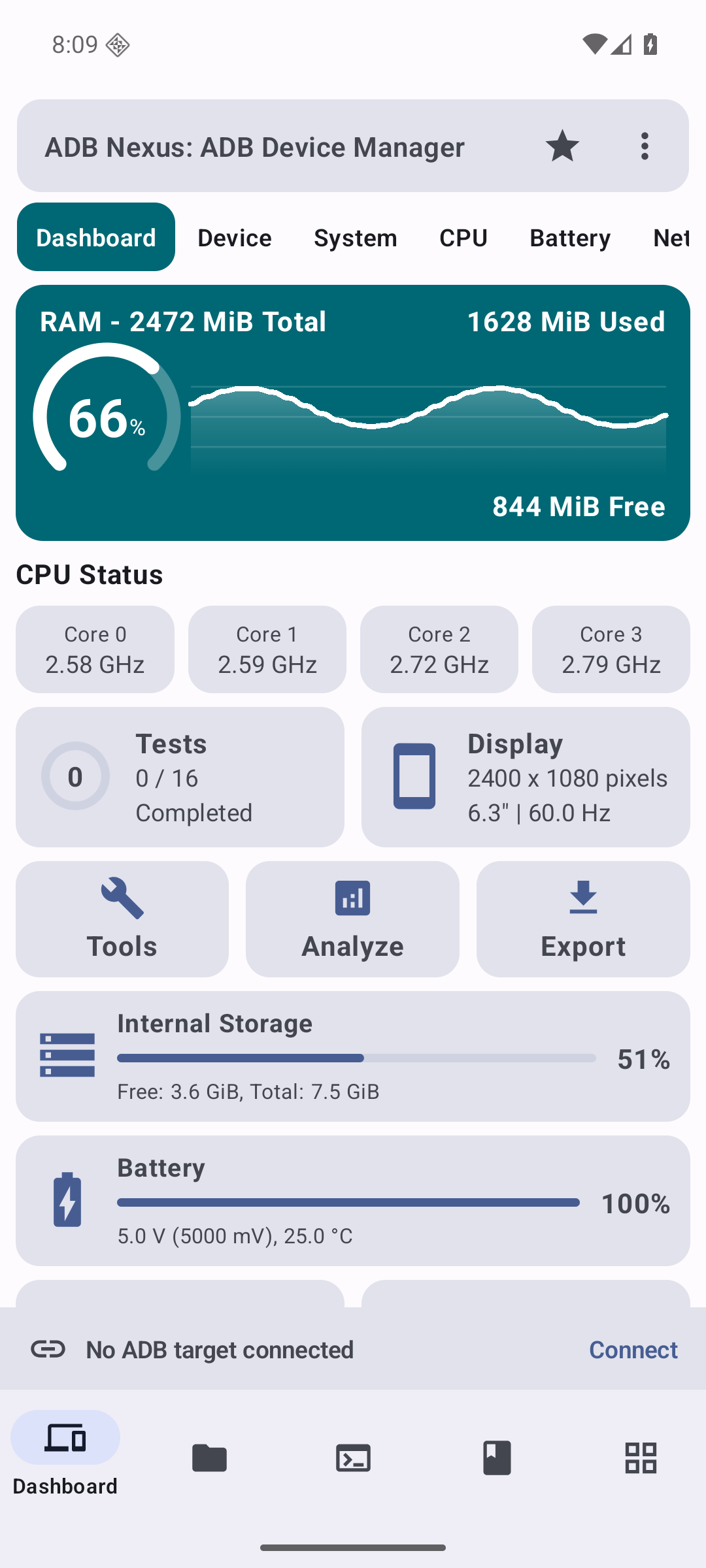
Open the dashboard for memory, CPU, storage, battery, display and device details from the phone running ADB Nexus.
Choose a connection
Use Wireless debugging on a supported Android 11 or later target, or connect through compatible USB OTG hardware and a data-capable cable.
Approve the target
Confirm Android’s pairing or RSA authorization on the target. Remote-only tools become available after the connection is established.
One interface, two device contexts
The same navigation stays familiar while the data source changes.
Host phone
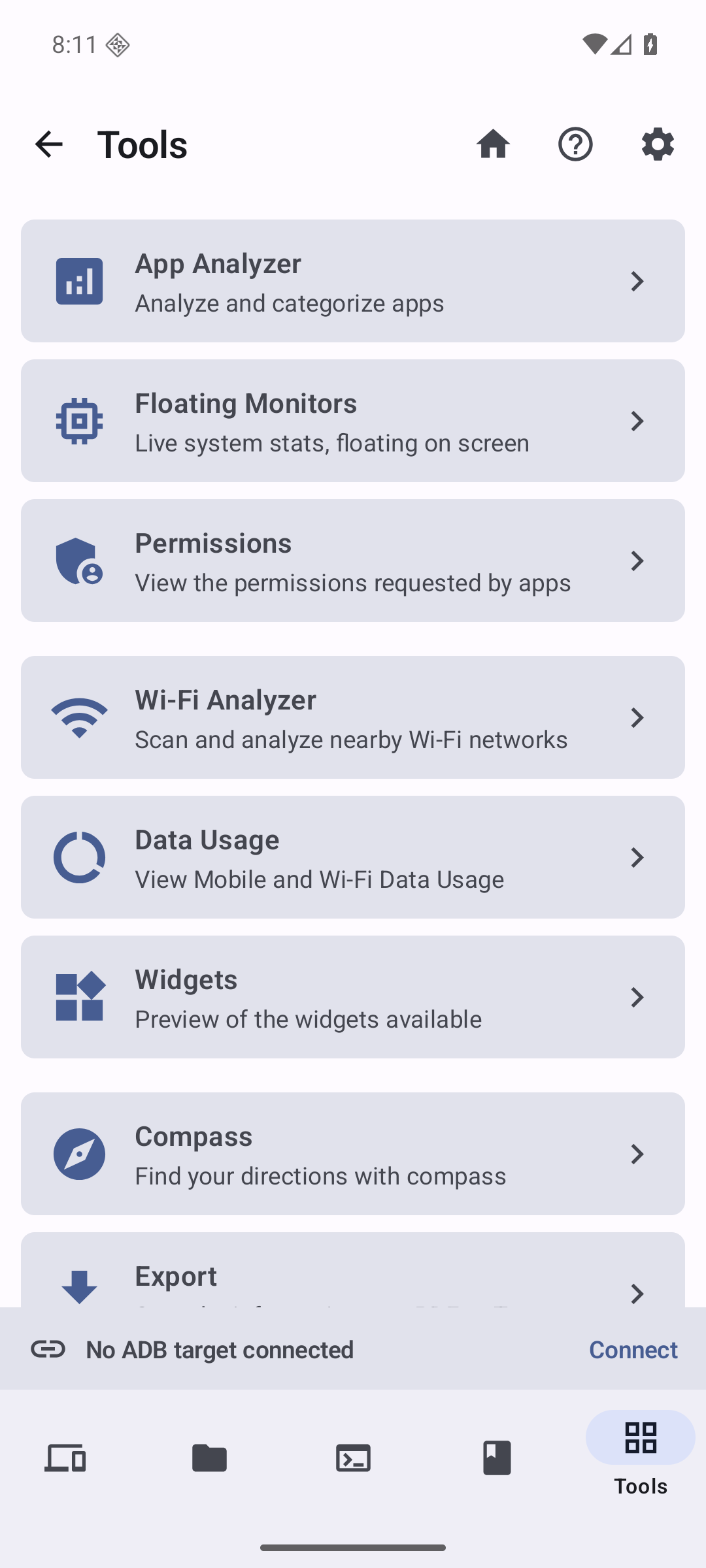
Use the dashboard, detailed hardware tabs, app analysis, permissions, Wi-Fi analysis, data usage, widgets, compass and export tools without connecting another device.
Authorized ADB target
After a target connects, view its device data and use remote ADB features such as shell commands, file transfer, APK installation, package controls, screenshots, recording, logcat and process inspection where Android allows them.
Device information and tools in one place
ADB Nexus brings detailed device information, file access and the ADB toolbox together in one consistent experience for the host phone and authorized remote devices.
Live dashboard
Animated memory history, per-core CPU status, storage, battery, display and hardware-test progress in one overview.
Detailed device tabs
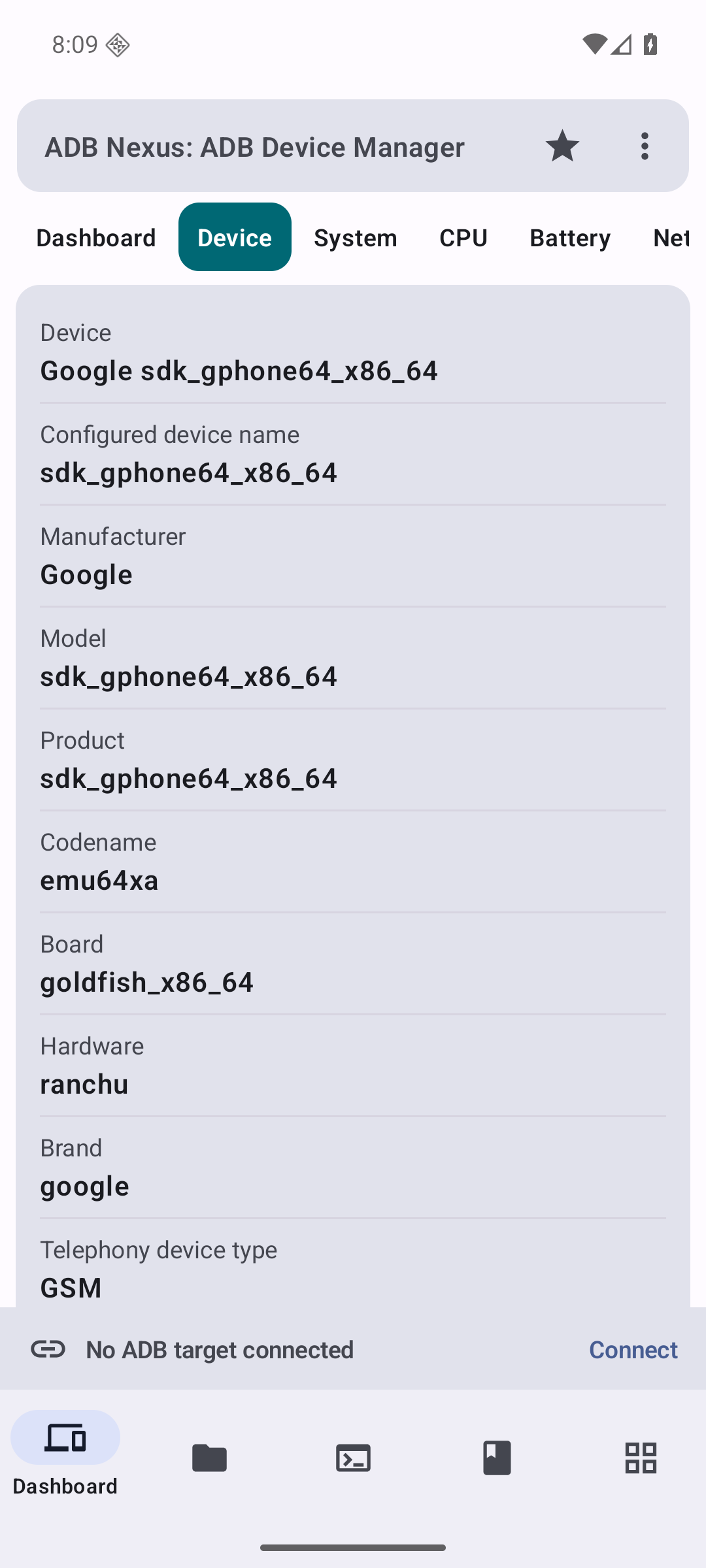
Device, system, CPU, battery, network, connectivity, display, memory, camera, thermal, sensors, apps and tests.
ADB toolbox
Terminal, files, packages, processes, logcat, screenshots, screen recording and network discovery for an authorized target.
Host tools
App Analyzer, floating monitors, permissions, Wi-Fi Analyzer, data usage, widgets, compass and device-information export.
Apps with context
See app name, icon, package, version and size. Target-side actions are shown only when a live ADB session supports them.
Help where it is needed
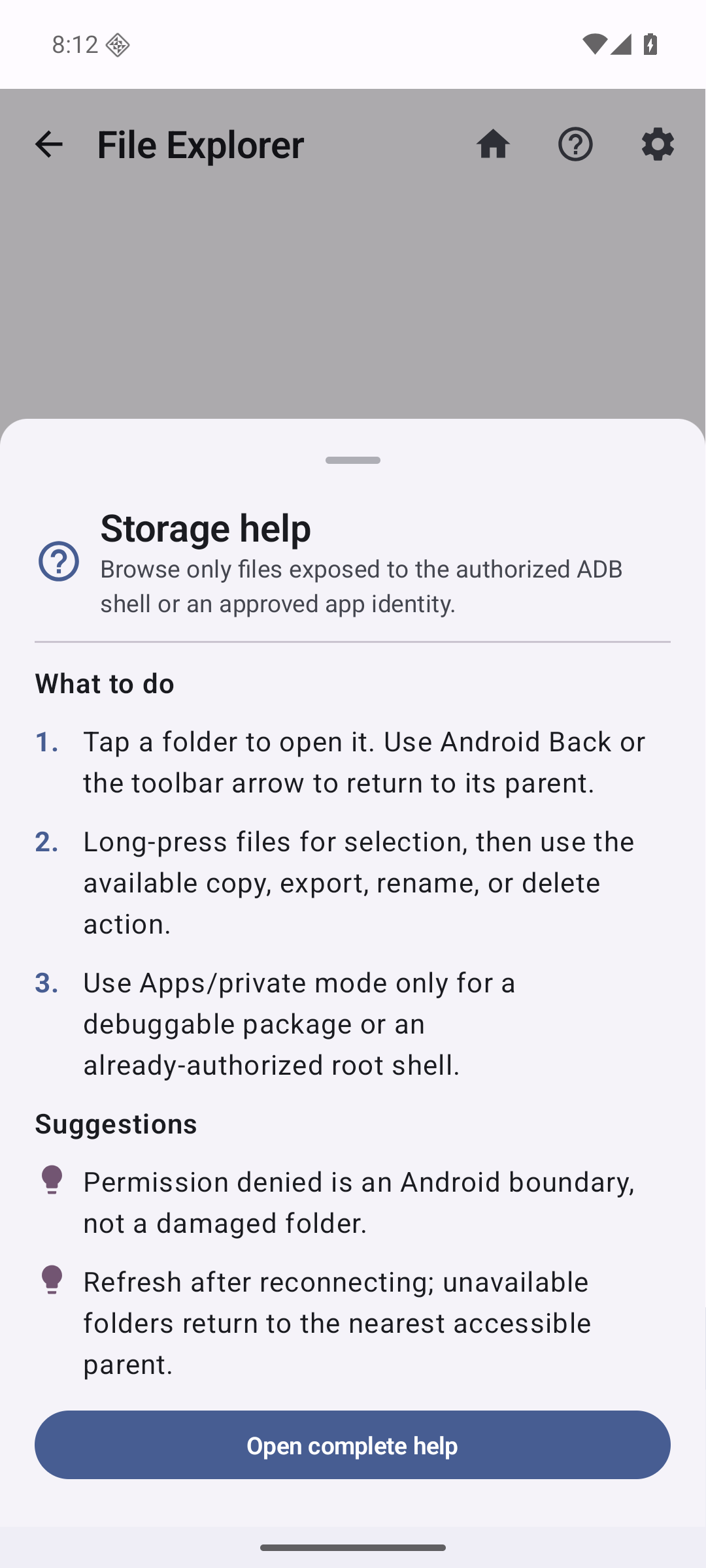
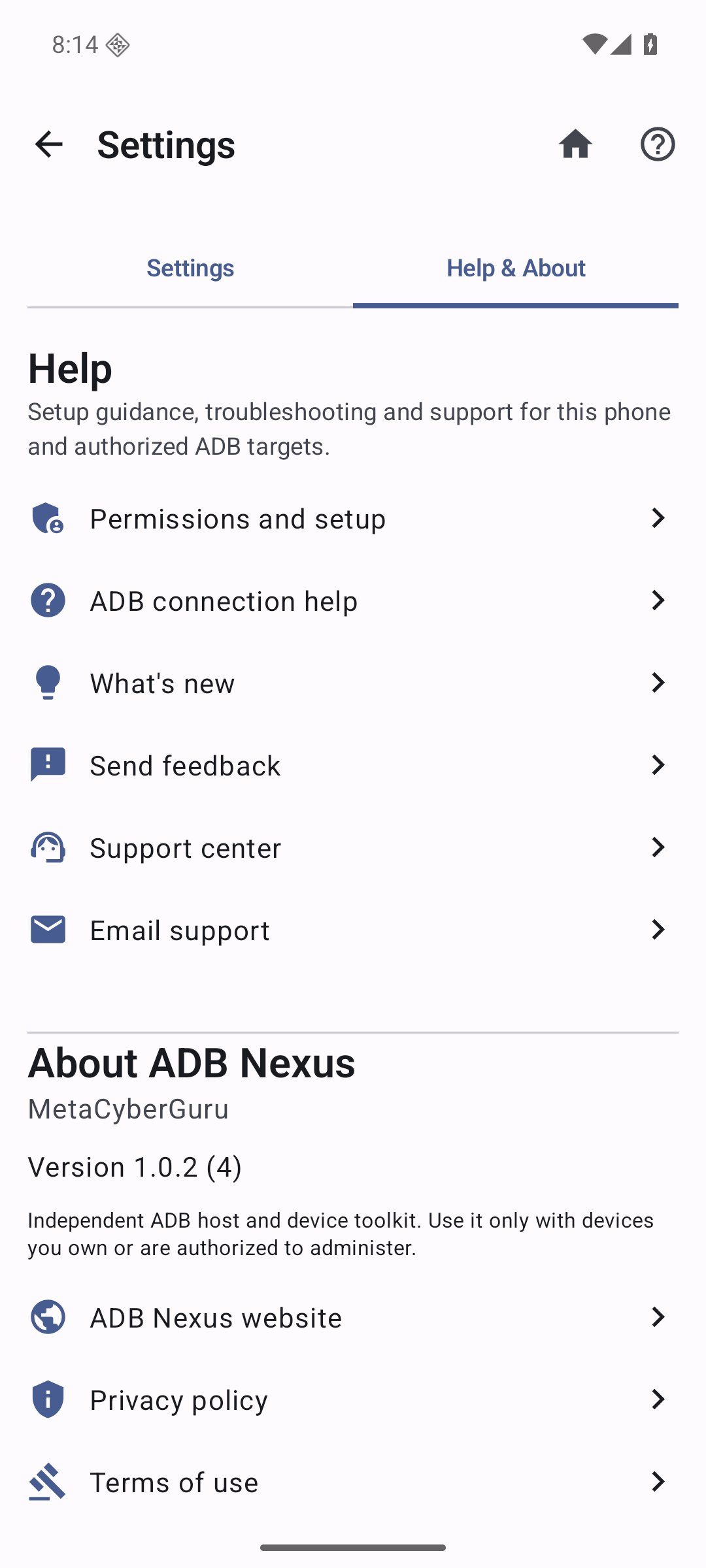
Contextual help, connection guidance, permissions, app information, feedback and support links are built into the app.
Explore the interface
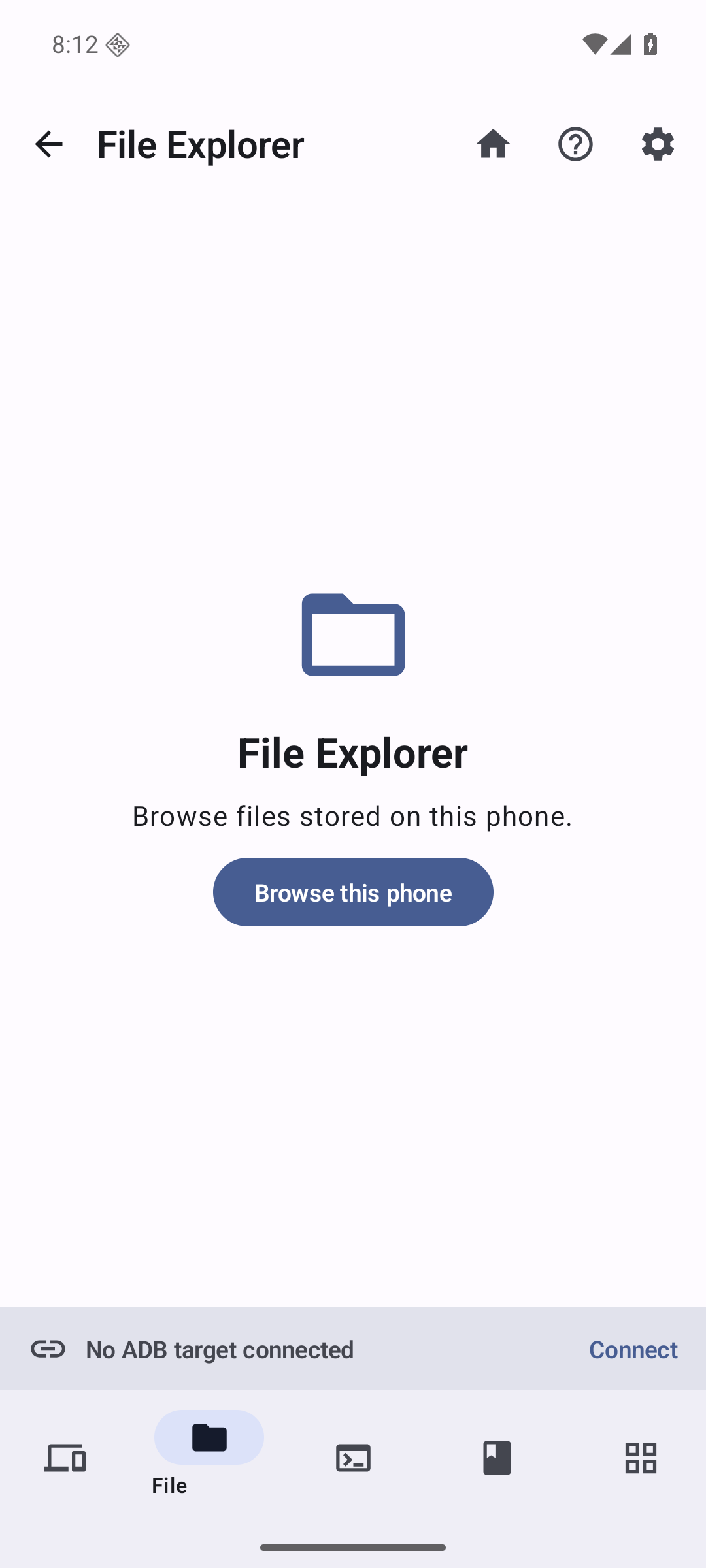
These screenshots show the dashboard, detailed device tabs, host tools, file entry point, contextual guidance and Help & About.
Useful jobs without going back to a laptop
Check a device before troubleshooting
Review Android version, CPU, memory, storage, battery, display, network, sensors and thermal readings before choosing a fix.
Handle a small maintenance task
Open a shell, inspect a package, move a file, install an APK, check a process or capture the target screen during an authorized support session.
Document a repeatable issue
Use screenshots, supported screen recording, logcat and exported device information to preserve evidence without copying private target data into analytics.
Work on an isolated target
Use USB OTG when wireless discovery is blocked or unavailable, provided the host, adapter, cable and target support Android USB host mode.
Android stays in control
ADB Nexus does not bypass the target’s security model.
Authorization is required
Wireless pairing and USB RSA approval must come from the target. ADB Nexus cannot unlock a device, create root access or silently grant itself control.
Availability varies by device
Manufacturer restrictions, Android version, network isolation, USB hardware, app debuggability and root state can change which fields or operations are available.
Privacy and diagnostics choices
ADB Nexus does not intentionally upload ADB commands and output, pairing codes, target addresses and serials, package and file names, paths, file contents or target-device output to MetaCyberGuru analytics and advertising events. Settings provides separate controls for analytics, crash reporting, performance diagnostics and the optional installation registry. Read the full policy for SDK processing and retention details.
Common questions
Do I need root?
No for standard ADB features. Commands that Android reserves for root still require a target that is already rooted and authorized.
Which Android versions are supported?
The phone running ADB Nexus supports Android 8.0 or later. Wireless debugging requires a supported Android 11 or later target. USB OTG depends on the host device, adapter, cable and target.
Can ADB Nexus skip the target authorization prompt?
No. Android’s pairing or RSA approval remains required on the target.
What happens when no ADB target is connected?
The dashboard and Device Info pages describe the host phone. Host tools remain available, while remote-only actions ask you to connect an authorized target.
Why can a field or action be unavailable?
Android version, OEM restrictions, permissions, network isolation, USB support, app debuggability and root state can all affect what ADB exposes.
Keep a practical ADB host in your pocket
Inspect this phone or connect an authorized Android target when you need ADB tools away from a laptop.
Technical review: 28 August 2026


