How to Analyse Android Crash Logs with AI Safely
Collect a relevant Android crash trace, remove private data and use AI to form a diagnosis you can verify with reproduction steps and a small test.
Android tools built by MetaCyberGuru for authorised testing, device control and everyday privacy. Explore each app for setup instructions, safety guidance and official download information.
Location testing
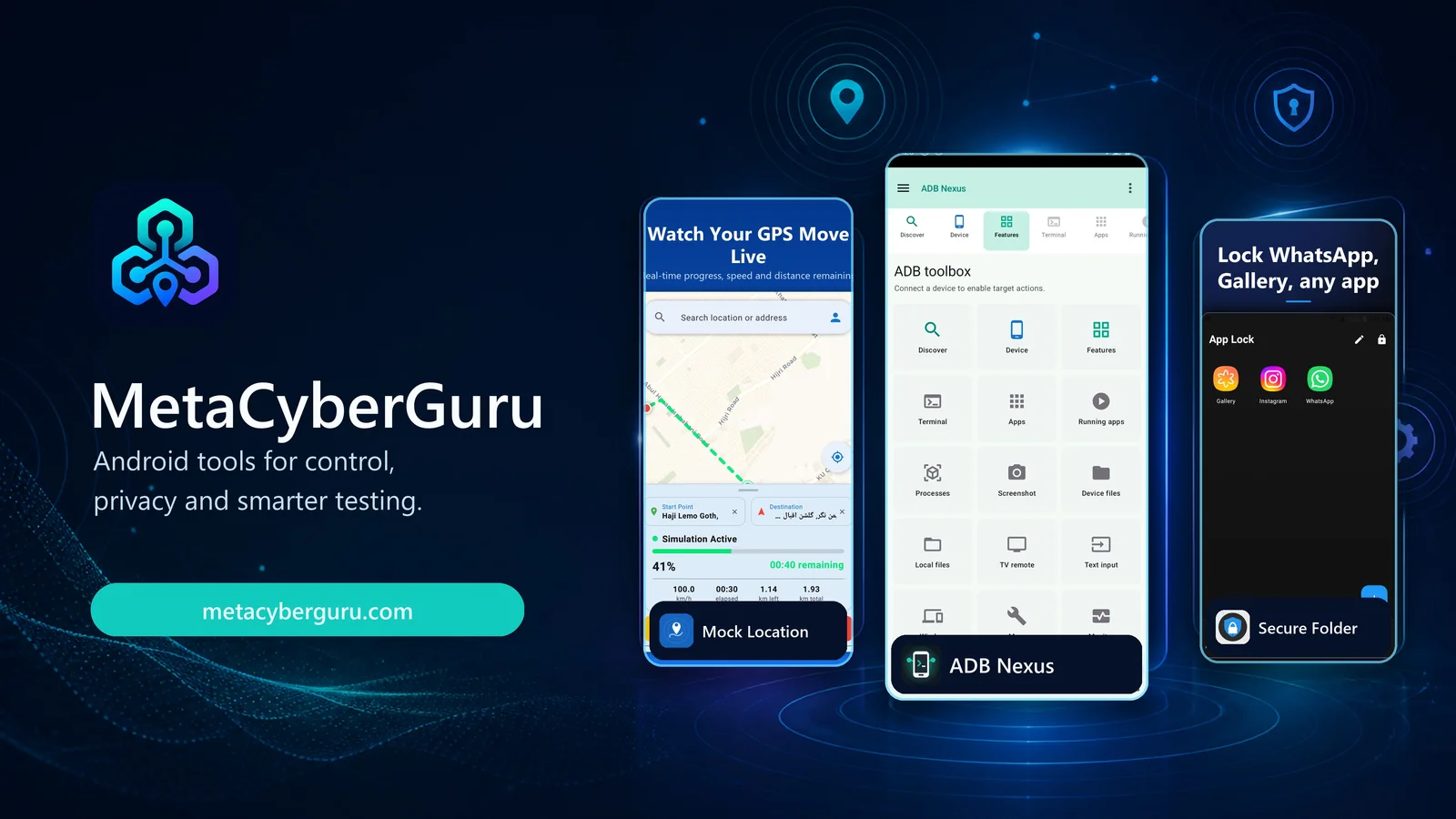
Set a fixed test location or replay a realistic route when testing location-aware Android apps. Control speed, save places and work with GPX routes.
Explore Mock Location →Privacy and app lock
Lock selected apps and keep private photos, videos and documents in an encrypted vault. The guide covers setup, recovery and privacy controls.
Explore Secure Folder →ADB device management
Manage an authorised Android device through wireless ADB or USB OTG. Use the shell, transfer files, inspect packages, capture screens and review logcat.
Explore ADB Nexus →Bluetooth call recording
Record supported SIM and WhatsApp calls with a Bluetooth headset. Guided ADB Nexus setup is required. Available now on Google Play.
Explore Astra Recorder →
Collect a relevant Android crash trace, remove private data and use AI to form a diagnosis you can verify with reproduction steps and a small test.

Learn how Astra Recorder supports call recording through compatible Bluetooth headsets on supported Android phones, with guided ADB Nexus setup.

Learn how to simulate a fixed location or moving GPS route on Android for authorised app testing, with setup steps, repeatable test cases and troubleshooting.

Run authorized wireless ADB or USB OTG sessions from Android. Open a shell, transfer files, install APKs, inspect packages, capture screens, and check logcat without reaching for a laptop.

Three ways to lock apps on Android: your phone’s built-in tools, a third-party app locker, or hiding the locker itself. Which one to use, and why.